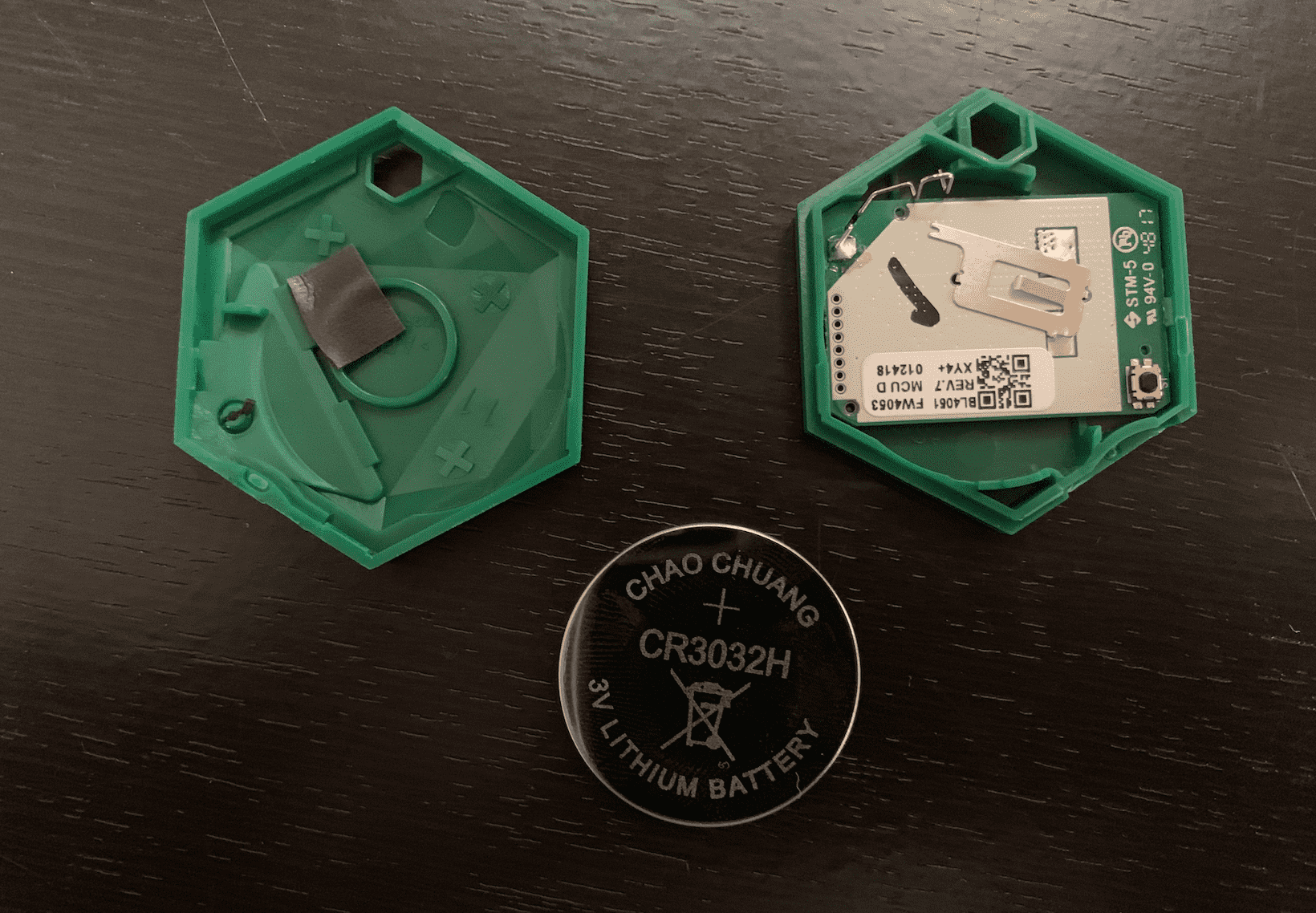
If you need to remove or replace the battery in your Sentinel, you'll need to open the device. You can do this easily with a coin. (The money, not our app!)
- Identify the small opening on the side of your Sentinel
- Insert the coin into the opening
- Twist to the right until you hear a pop
- Twist to the left until you hear a pop
- Remove the coin and use your fingers to pry open the device until both sides have disconnected.
If you'd like a visual guide, you can watch a video of how to use the same method on an older XY Bluetooth product here: https://www.youtube.com/watch?v=ofEksOitwy4
IMPORTANT: The battery size of SentinelX is CR3032. Avoid getting the much smaller CR2032! It's a common lithium ion cell, you can order them easily from popular online stores at a reasonable price.
Identify the small opening on the side of your Sentinel
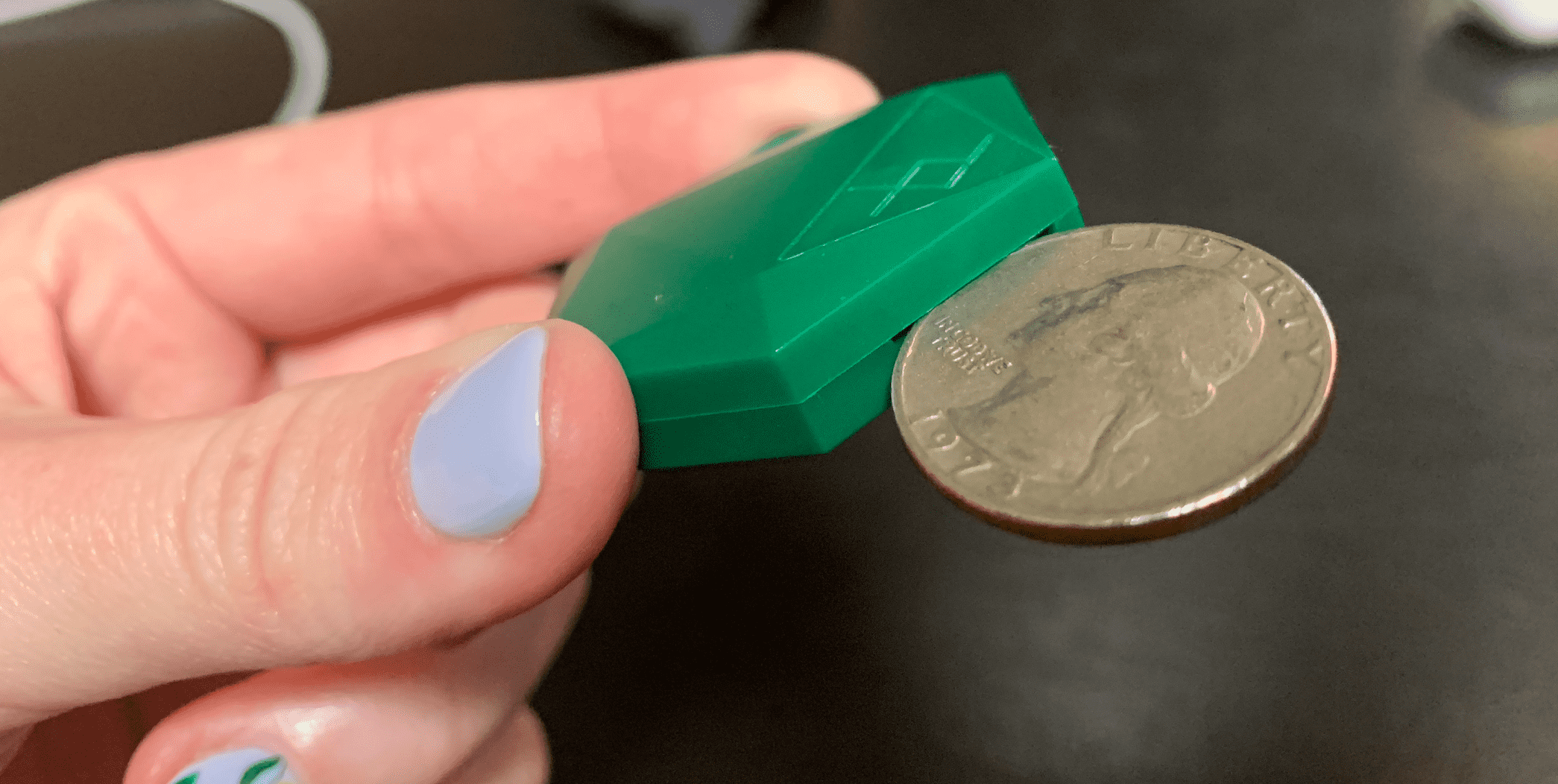
Insert the coin into the opening
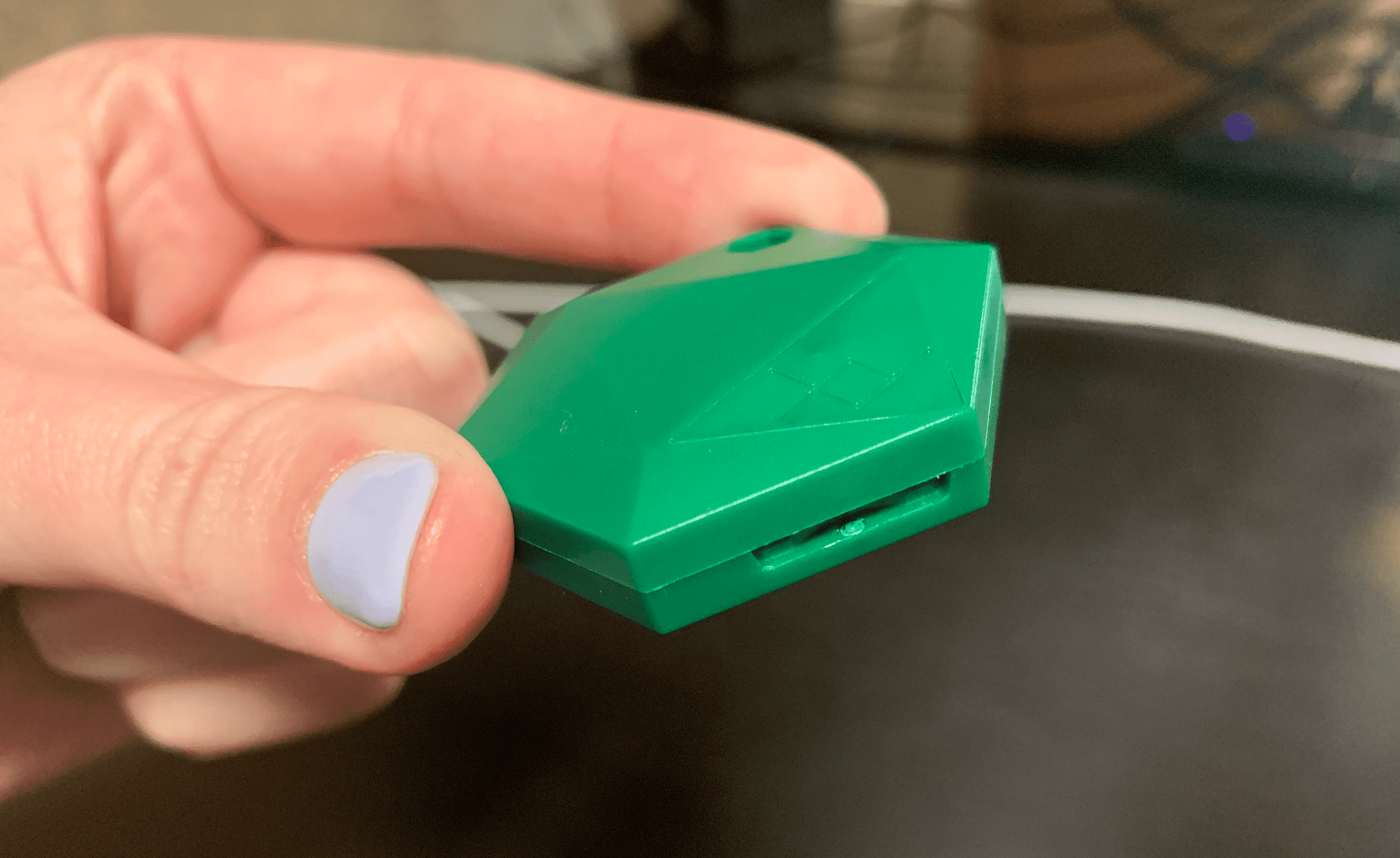
Twist to right and left until you hear pops and the Sentinel is open
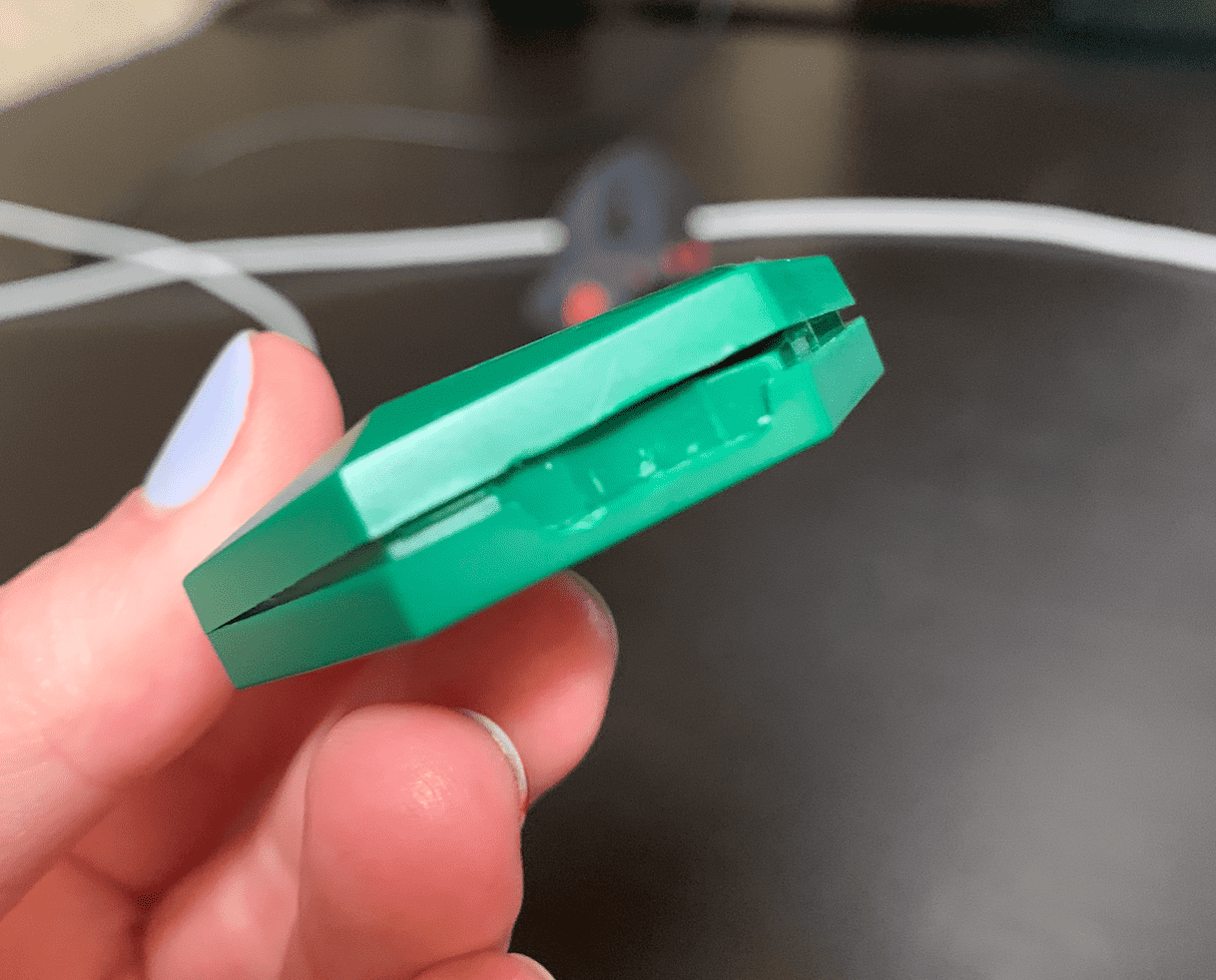
Use your fingers to open the rest of the Sentinel